Why hiding buttons isn't enough: role-based access for internal tools
Role-based access control for internal tools — how we define roles, enforce permissions at the database level with Supabase RLS, and why hiding buttons in the UI isn't enough.
- Web Development
- Internal Tools

Different employees need different versions of the same internal tool, and the boundaries between them have to hold at the database level — not just in the interface. Hiding a button doesn't stop the underlying request from being made. This is how we implement role-based access control (RBAC) in custom internal tools using Supabase row-level security, so restrictions apply regardless of how a request arrives.
A recent project involved building permission-specific profiles into a client’s internal app so that different people in the business could only see and do what their job actually required.
This is what’s known as role-based access control (RBAC): instead of everyone sharing the same version of a tool, each user belongs to a role, and that role determines both what they can see and what they’re allowed to do.
The app served several different types of users, each needing a different version of the same system. The work wasn’t just defining those roles, but making sure the boundaries between them were properly enforced, rather than relying on convention or interface constraints.
What this actually means in practice
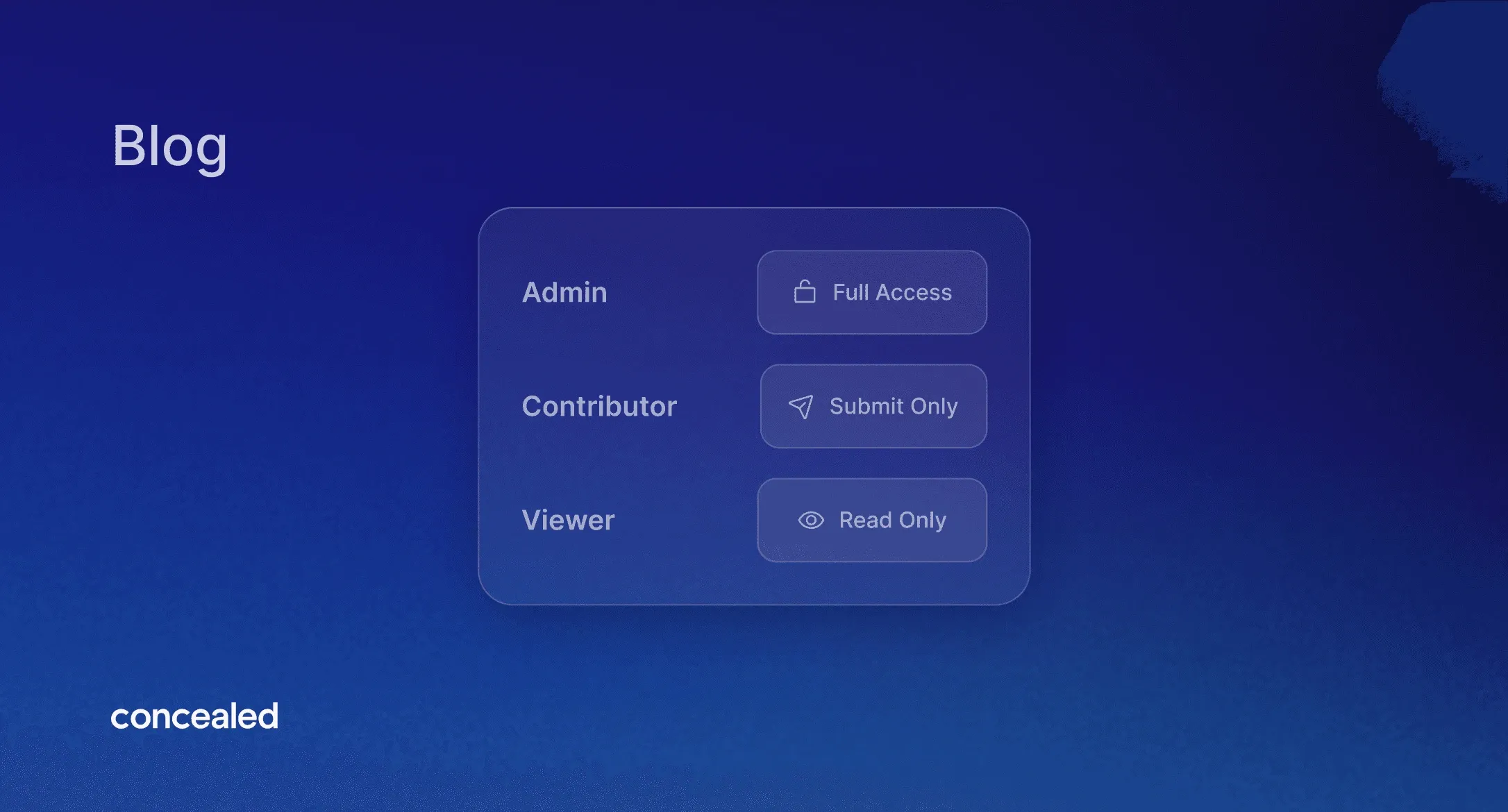
Role-based access comes down to a simple idea that gets complicated fast: for example, one person can edit everything, another can only view, and a third can only submit a specific kind of record and nothing else.
In practice, it quickly becomes more nuanced. Some roles operate across the whole system, while others are tightly scoped to a small slice of data and a limited set of actions.
Every role ultimately answers two questions:
- What data can this person see?
- What are they allowed to do with it?
Getting that mapping right and keeping it consistent as the tool grows is where most of the work sits.
How it's actually enforced
This is the part that matters most, and the part that's easy to get wrong.
It's tempting to implement permissions by just changing the interface: hiding buttons, removing actions, simplifying views. That's necessary, but on its own it's not real security because the interface is just the front door. If the underlying request is still allowed, the restriction can be bypassed by sending that request directly.
So, in this project the rules were pushed down onto the data itself using Supabase row-level security (RLS).
alter table records enable row level security;

create policy "read own records"
  on records for select
  to authenticated
  using ( owner_id = auth.uid() );
RLS allows you to attach policies directly to database tables. These policies are evaluated on every query, for every row, based on the identity of the user making the request.
The to authenticated clause targets logged-in users specifically as opposed to anonymous visitors. Postgres exposes that identity through auth.uid(). A policy is essentially a condition that has to be true for a row to be visible or writable.
A couple of details in there do a lot of work:
- RLS is opt-in: once enabled, access is denied by default;
- Policies explicitly grant access: nothing is available unless allowed;
- The condition defines exactly which rows a user can access.
Write operations follow the same pattern, but with a second clause. Where using decides which rows a query can read, with check validates what a write is allowed to create or change, so a user can't insert a row into a state they wouldn't be allowed to own:
create policy "submit records"
  on records for insert
  to authenticated
  with check ( submitted_by = auth.uid() );
You can also scope actions by role:
create policy "only admins delete"
  on records for delete
  to authenticated
  using ( (select role from profiles where id = auth.uid()) = 'admin' );
The two important points:
- RLS handles authorization, not input validation or business logic - it complements those layers.
- Because policies run on every query, relevant columns (like user or tenant IDs) need proper indexing to keep performance predictable.
The key idea is that decisions happen inside the database. That means the rules apply no matter where a request comes from, not just through the interface.
Why this matters specifically for internal tools
Internal tools almost always have more than one type of user. A warehouse system has floor staff and management. An operations dashboard has junior staff and senior staff with sign-off authority. A field app has people entering data and people reviewing it.
As soon as these distinctions exist, permissions stop being optional. Getting it wrong has real consequences: someone editing data they should only read, one part of the business seeing another’s data, or a junior account being able to delete something that should require approval.
Defining access by role rather than by individual also keeps the whole thing auditable. You can look at a role and know exactly what it can reach, which matters for anyone with data-protection or compliance obligations.
These aren't nice-to-haves you bolt on later. They're part of what makes the tool safe to hand to the whole team.
Back to the example
In the app we built, the roles ranged from broad, high-trust access at one end to tightly scoped, submit-only access at the other, with several levels in between.
A useful pattern worth calling out is the read-only role: full visibility across the data and every report, but blocked from making any change at all. That let the business give certain people complete insight without handing anyone extra edit power, and because it was enforced by RLS on the same data as every other role, it didn't require a separate, hand-maintained copy of the logic.
The problem all of this solved was straightforward: the right people could do their jobs without friction and nobody could reach data or actions that weren't theirs, whether by accident or on purpose.
Why this matters for clients
For the business using the tool, this shows up in a few practical ways:
- Sensitive data stays restricted to the right people, which is critical for anything commercial, personal, or financial;
- Onboarding is simpler: new users are assigned a role and immediately get the correct access;
- The interface stays focused, since each person only sees what’s relevant to their work;
- Permissions remain auditable and easier to manage as the team grows.
Most importantly, access control is enforced at the level that actually matters and not just implied by the interface.
Thinking about an internal tool with proper access control?
If you're building an internal tool and you know different people will need different levels of access, it's worth getting that structure right from the start. Start a project and let's talk through what your roles should look like.
Frequently Asked Questions
Can different employees have different access levels in an internal tool?
Yes. This is one of the most common requirements for internal tools, and it's what role-based access control (RBAC) is for. You define a set of roles, and each person inherits the right access simply by being placed in one, so different types of users can share the same tool while seeing and doing very different things.
How do you control who sees sensitive data in our tool?
Access to data is tied to each user's role and enforced at the database level using row-level security. Every request is checked against that person's role before any data is returned, so they only ever receive what their role allows, whether they're using the app normally or trying to request more than they should. Sensitive information stays restricted to the people who are allowed to see it.
Is permission access enforced at the database level or just hidden in the interface?
At the database level, using row-level security (RLS). Hiding controls in the interface is part of the experience, but it isn't real protection on its own because requests can be sent to an app directly, around the interface. Enforcing permissions on the data itself means the rules apply no matter how a request arrives, so restrictions can't be bypassed by avoiding the screen.
Is role-based access included in custom internal tools, or does it cost extra?
Role-based access is treated as a core part of building an internal tool that more than one type of person will use, not an add-on. The exact scope depends on how many roles you need and how different they are, which is something we work out together at the start of the project.
Does role-based access make onboarding new employees easier? Yes. Once a role is defined, assigning someone to it is enough to give them the correct access from day one. There's no need to configure permissions individually for each new hire, and no risk of someone temporarily having more access than their job requires while things get set up.
Can someone have full visibility into the data without being able to change anything?
Yes, this is a common pattern: a read-only role that sees everything, every record and report, but can't edit or submit anything. It's useful for oversight or leadership visibility without handing out edit access those people don't need, and because it's enforced the same way as every other role, it doesn't require a separate, manually maintained set of rules.
Does role-based access help with compliance or data-protection requirements?
Yes. Because access is defined by role rather than configured per person, you can look at any role and know exactly what it can reach. That makes it much easier to demonstrate who can see what, which matters for any business with data-protection, audit, or compliance obligations.
How many different roles can an internal tool support?
As many as the business actually needs, from a small handful to more granular breakdowns like floor staff versus management, or junior versus senior staff with sign-off authority. The right number of roles depends on how differently each group needs to use the tool, which is something we work out at the start of the project.
Written by Carina Moreira, developer at Concealed — a Framer Expert studio based in Lisbon building fast, scalable websites and custom internal tools.